Performance page overview
Last updated: April 10, 2026
One of the most important sections within your Charlie Dashboard is the Performance page. In here you'll be able to monitor your setters performance, and key data to keep up to date with your sales pipeline, and at glance identify any changes that impacts directly with your lead's interactions.
In this guide we will explain you at a high level what each of the metrics mean, some good expected results, and the control buttons you'll find in here.
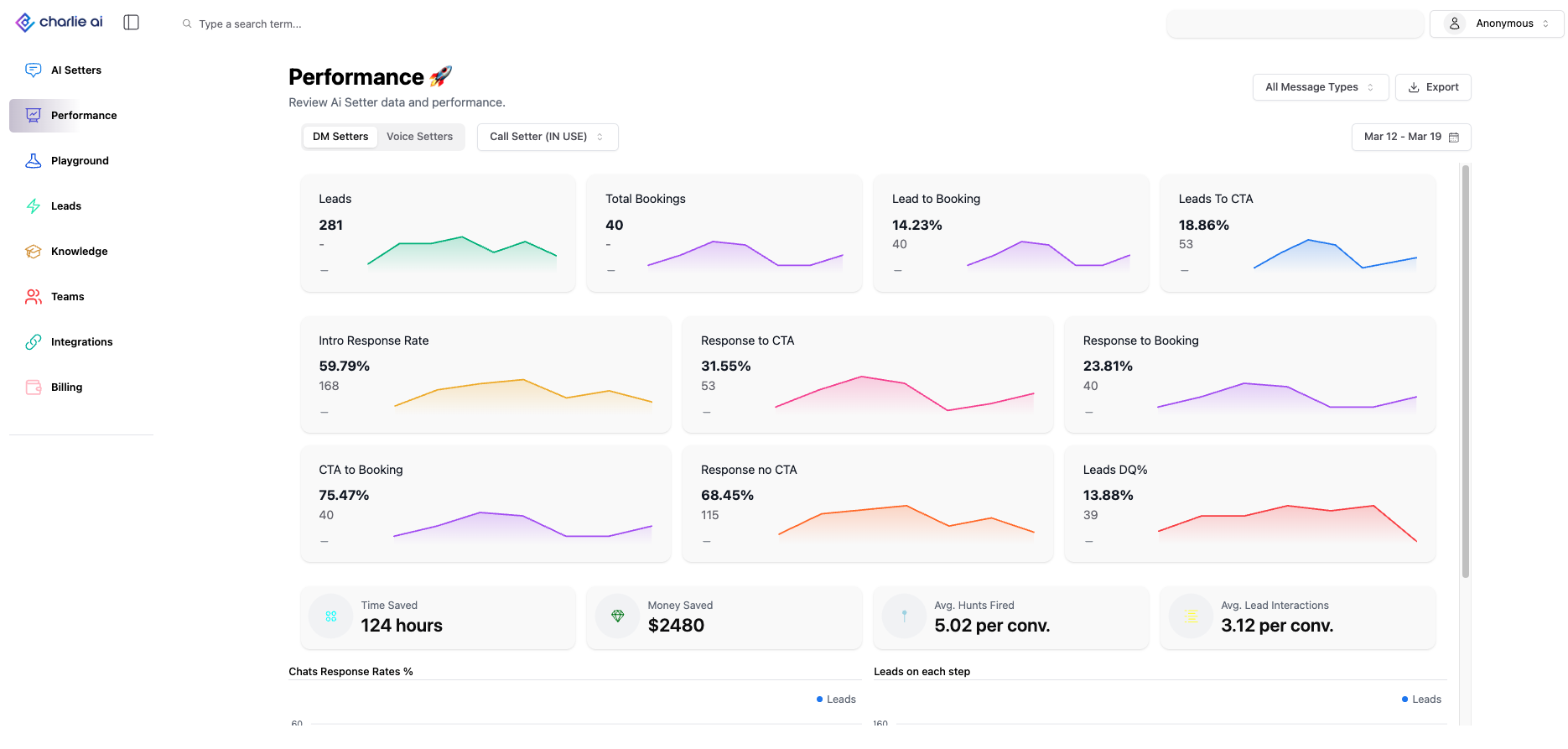
Control buttons
As soon as you enter to the performance page the metrics that you'll see in the dashboard will be from the Ai setter that appears first in your "AI Agents" tab.
However you can switch between all of them easily, below you'll find each of the controls you can use to evaluate metrics as needed.
Type of agent filter
We have divided the performance based on the type of agents we have, this narrows the results, and make it easier to find the use case.
With a single click you can go back and forth between DM & Voice
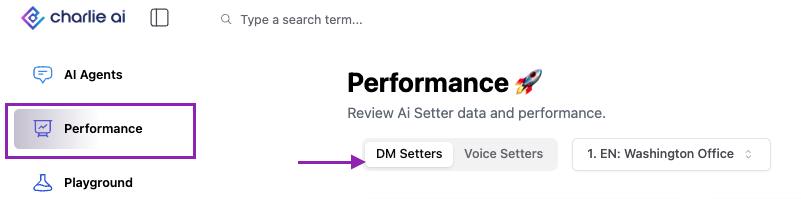
AI setter dropdown
Right next to the Type filter, you'll find the AI Setter dropdown.
In here you can multi select the cases you'd like to evaluate. You can directly type the setter's name, use the available buttons (Select all/ clear selection), or browse within the list.
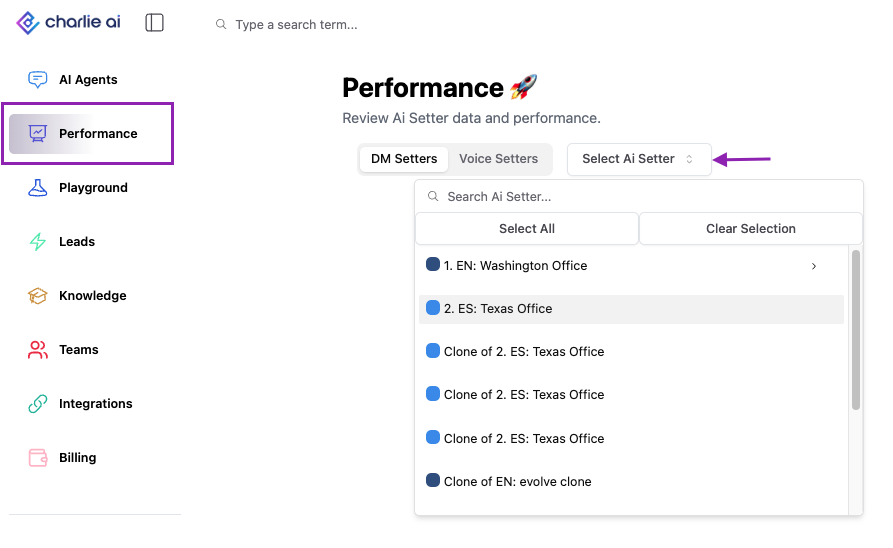
Type of interaction
You can also sort the results based on the channel where Charlie engaged with the lead.
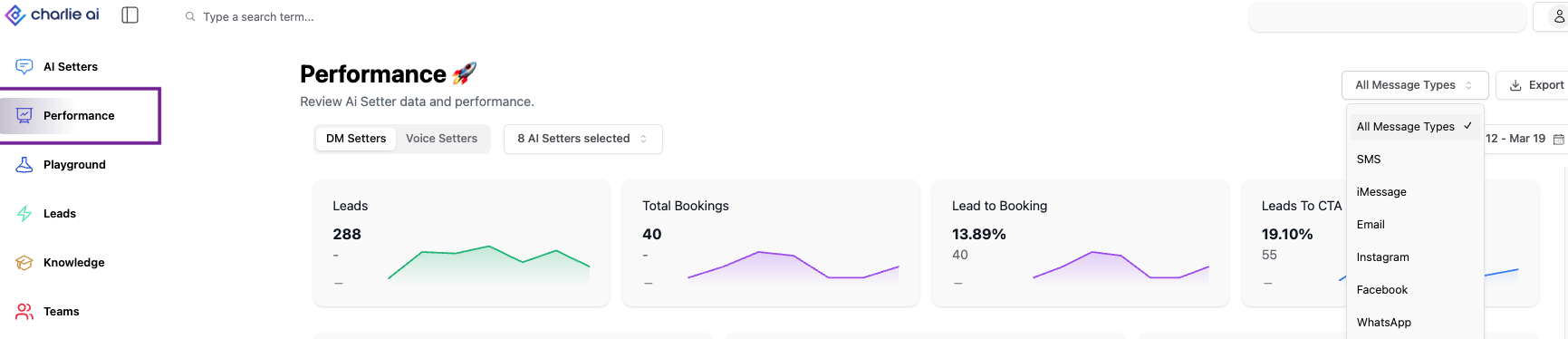
Date range
We have Quick filters for typical date ranges and the possibility to compare two ranges.
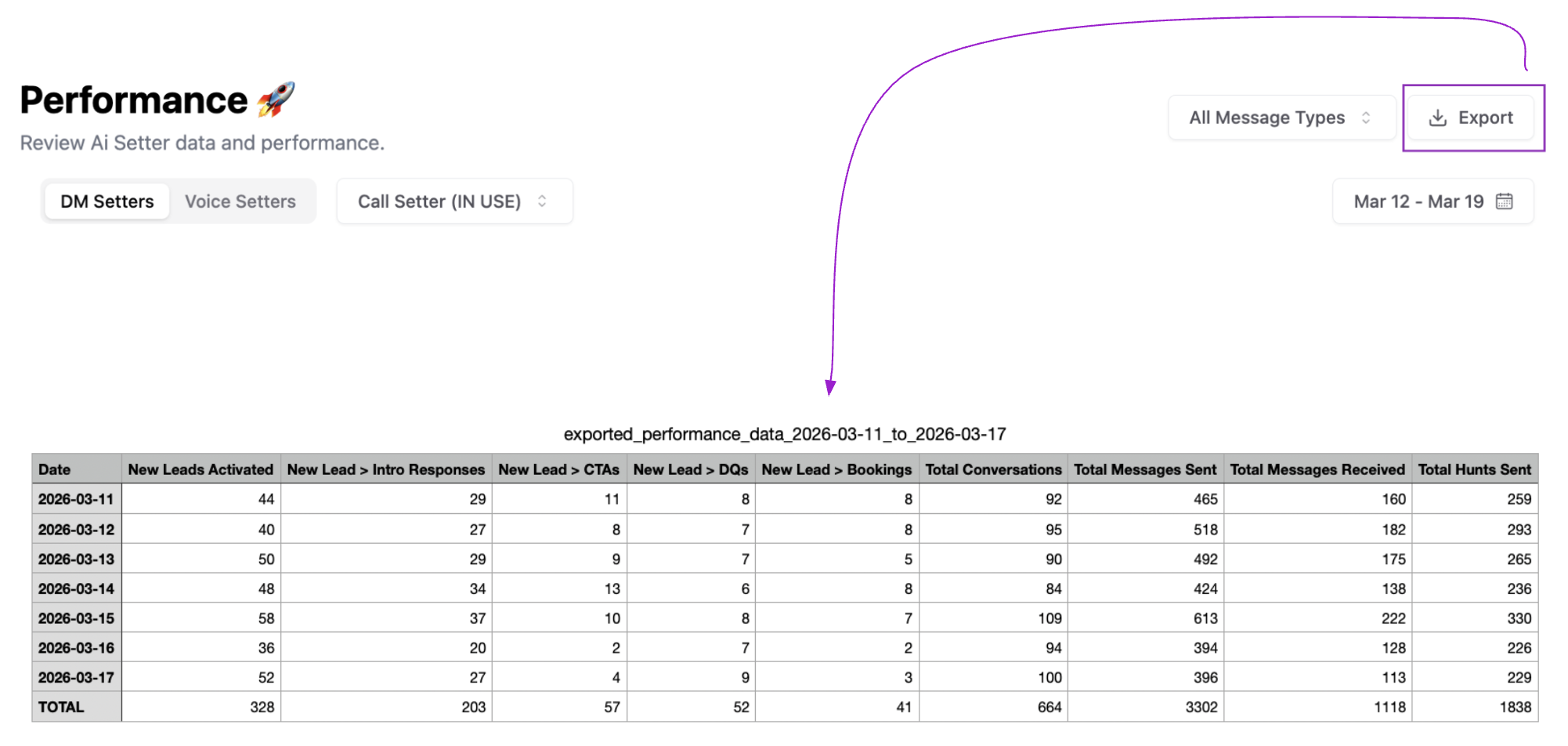
Export
Get all the details of your performance report with a single click. It will organize the information in a structured table that allows you to get a quick glance of all information.
Metrics
DM Setter
Leads: Quantity of prospects that have interact with the AI setters
Total Bookings: Total number of leads that booked an appointment.
A lead counts as "booked" if they have booked = true OR have at least one appointment in the selected time frame of their history.
Lead to Booking: What percentage of all activated leads ended up booking (
Total Bookings / Lead Activations × 100%)
Leads To CTA: What percentage of all activated leads made it all the way to the CTA step. (
Leads who reached CTA / Lead Activations × 100%)Intro Response Rate: A lead "responded" if they moved past the Intro step (step ≥ 1 or cleared step 0). (
Leads who responded to Intro / Lead Activations × 100%)Response to CTA: Of the leads who replied to the intro, what percentage made it to CTA. (
Leads who reached CTA / Leads who responded to Intro × 100%)Response to Booking: Of leads who actually replied (≥1 message), what percentage booked. (
Total Bookings / Leads who sent at least 1 message × 100%)CTA to Booking: Of the leads that reached the CTA step, what percentage actually booked. (
Total Bookings / Leads who reached CTA × 100%)Response no CTA: Of leads who responded, what percentage did NOT reach CTA (dropped off mid-conversation) (
(Leads who responded to Intro − Leads who reached CTA) / Leads who responded to Intro × 100%)Leads DQ%: What percentage of leads were disqualified (
Disqualified Leads / Lead Activations × 100%)Chats Response Rates %: (bar chart) (
Leads who cleared that step / Total Leads × 100%) Shows a bar for each step: Intro, Q1, Q2, … Q5, CTA.
Leads on each step: Shows how many leads are currently sitting on each step (Intro, Chats Q1–Q5, CTA). No percentage — just counts.
Time Saved: Counts the number of unique hours (by day) where the AI sent at least one message.
Money Saved: Based on average US minimum wage for a human DM setter. (
Time Saved (hours) × $20)Avg. Hunts Fired: Average number of follow-up messages the AI sent per lead. (
Total follow-up/hunt messages sent across all leads / Total number of leads*)Avg. Response Time: average time between an AI message and the lead’s next reply. Then averaged across all leads (in minutes)
Avg. Time Between Messages: For each lead: average time gap between any two consecutive messages (AI or lead). Then averaged across all leads. (in minutes)
Voice Setter
Outbound Leads: Outbound calls where call lasted ≥ 20 seconds. Only counts calls long enough to be a real conversation.
Inbound Leads: Inbound calls where call lasted ≥ 20 seconds. Same logic as outbound — only counts calls ≥ 20 sec
Meaningful Conversations: Any inbound or outbound conversation that lasts more than 1 minute. (
Calls (inbound + outbound) lasting ≥ 60 sec / All connected calls × 100%)
PickUp Rate: (
Outbound calls with duration ≥ 0.5 sec / Total Outbound Dials × 100%)where pickups represent the number of dial attempts in which the lead answered.Dials Made: The number of outbound calls, regardless of duration, based on a unique count (duplicates excluded).
Leads DQ%: What percentage of leads were disqualified. (
Disqualified voice Leads / total voice leads × 100%)Leads To CTA: Of leads with a real conversation (≥20 sec), what percentage reached CTA. (
Leads who reached CTA / Leads with ≥ 20 sec calls × 100%)
Leads To Bookings: Of leads with a real conversation, what percentage booked.
(
Booked Leads / Leads with ≥ 20 sec calls × 100%)CTA To Bookings: Of leads who reached CTA on a real call, what percentage booked. (
Booked Leads / (CTA Reached Leads with ≥ 20 sec calls) × 100%)Overall. Call Length: Total sum of all call durations. Displayed as HH:MM:SS.
Time Saved: counts how many unique hours we saved based on the date of creation for each of lead.
Money saved: Time spent messaging x $20 per hour (average minimum wage paid to a DM setter in United States)
Average Call Length: (
Sum of call durations (for calls ≥ 20 sec) / Total number of voice leads)
Buyer IQ
Pass Rate: Percentage of leads that meet the threshold criteria
Qualified Leads: Amount of Leads that met the defined criteria within the report check point.
Fallback Leads: Amount of Leads that did not met the criteria.
Average Credit Score: average of the score that have the total amount of prospects that engaged with the account.
Average Line of Credit: Average of the Available credit of the leads that have been assess by the Simple check functionality
Average Income: average income that have the total amount of prospects that engaged with the account.
Credits Spent (New reports): Quantity of credits that have been used for new reports ($3,5 per report pulled)