Qualification Logic
Last updated: November 27, 2026
Qualification is how your setter finds out whether a lead is a good fit before moving to the next stage. Instead of sending a form, Charlie asks your questions one at a time, in a natural conversation, and keeps track of what each lead has already answered.
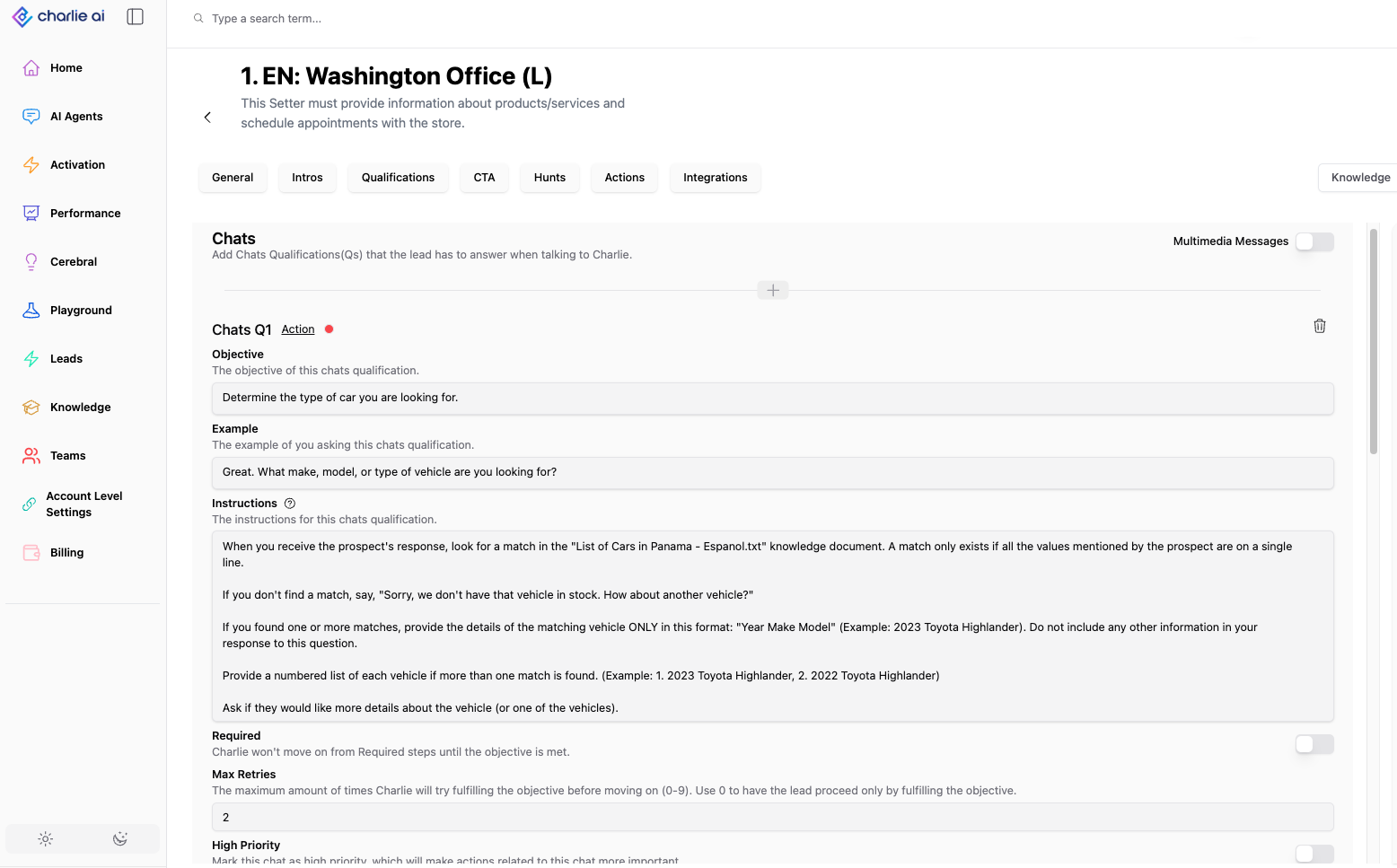
How the logic works
Opening message. The lead is enrolled in a use case and receives the intro message (step 0).
One question at a time. Charlie takes the lowest-numbered question that hasn't been cleared yet. Step number sets the order, not priority.
Reading the reply. When the lead answers, Charlie checks whether the reply answers the question that was just asked. If yes, the step is marked as cleared and Charlie moves on.
Smart skipping. If a lead answers several questions in one message ("I have a $5,000 budget and need it by next week"), all of those steps are cleared. Charlie won't ask them again.
Value capture. If a question has a value capture ("mirror") configured, Charlie saves the lead's answer into a custom field. Global mirrors are checked on every message, not only for the current question.
If the lead doesn't answer. Charlie re-asks, differently worded, until the question's max retries is reached. Then it clears the step and moves on. This only happens after the question has actually been sent to the lead. If a message never went out, the step stays open.
When all questions are cleared. The lead reaches the call to action (CTA). If Auto-booking is on, the conversation is handed to the booking flow. Otherwise Charlie sends the CTA.
Qualification runs after disqualification checks (a lead who says "not interested" is stopped there). Before the next question, Charlie can also defer to Talk Later if the lead asked to be contacted at another time. Charlie also sets a question aside for a turn when the lead raises a concern, and that turn doesn't use up a retry.
What Charlie considers when writing each message
The question's objective, instructions and example.
The full conversation so far, and the last message Charlie sent (the question the lead is replying to).
Your business information and the setter's persona (tone, voice, banned phrases).
The lead's details and any custom values already captured.
Any image, audio or file the lead sent, if multimedia is enabled.
The Talk Later and disqualification checks described above.
The final text is then polished against your persona before it is sent.
Best practices
Write one objective per question. Two things in one question lead to half answers.
Make the objective measurable, so "answered" is unambiguous.
Put the content in the instructions and the style in the persona. Don't paste a whole script into the example.
Keep the list short, usually 3–5 questions, and order them from easy to sensitive.
Set max retries to 2–3 for non-essential questions so a lead who ignores one isn't stuck. Use a higher value only for the questions that qualify a lead.
Use value capture for anything you need in your CRM (budget, timeline).
Don't ask for what you already know from a form. Pre-filled custom values avoid repeated questions.
Test in the Playground with a lead who answers several questions at once, one who dodges, and one who goes off-topic.
Review the first real conversations and tighten objectives where Charlie moved on too early or asked too long.