Cerebral: Use case manager
Last updated: October 22, 2026
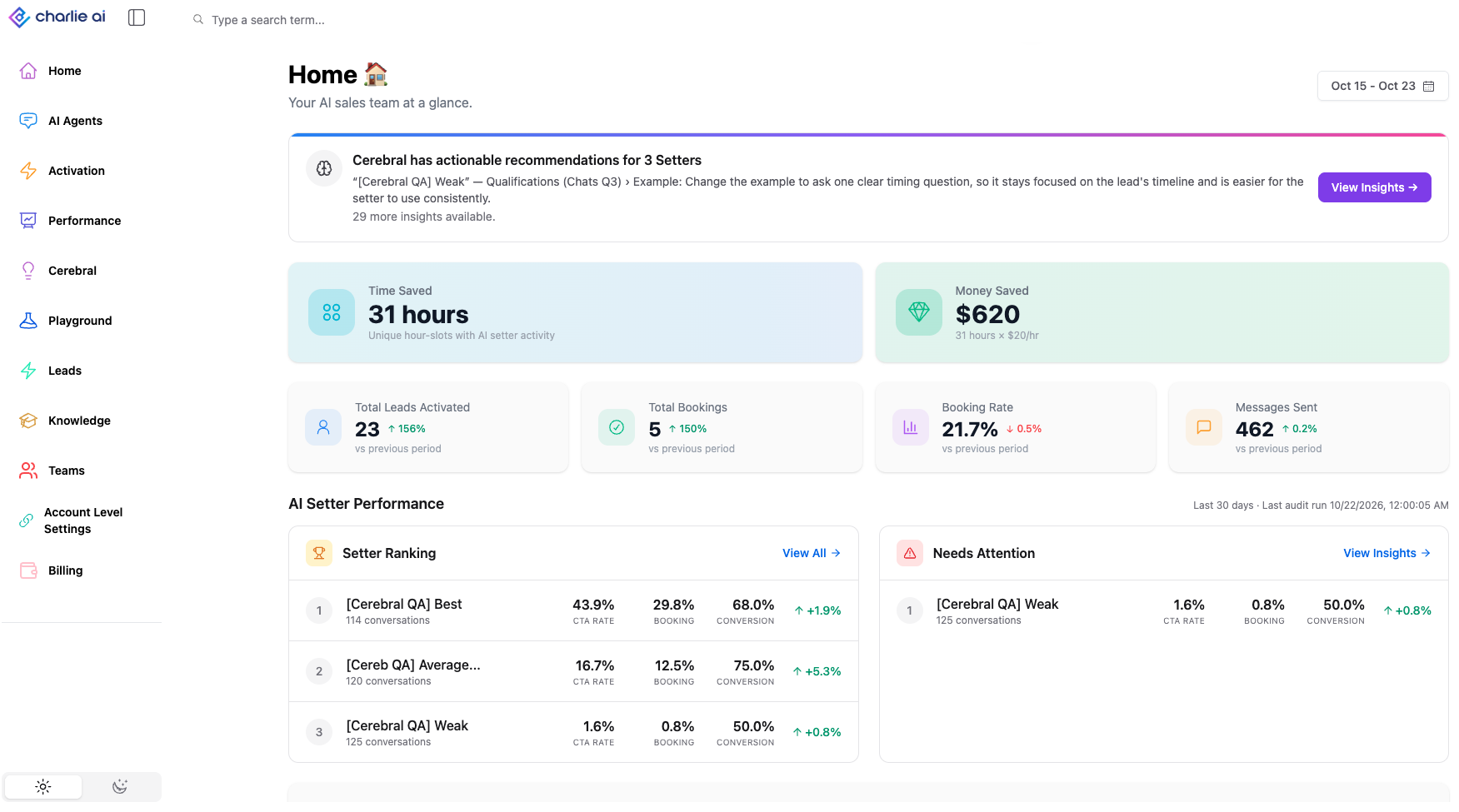
Cerebral keeps an eye on how your AI Setters are performing. It finds where leads drop off and tells you exactly what to change, based on what's already working in your own account. You no longer have to test and guess.
What Cerebral does
Scans your conversations. It regularly reviews your active Setters' conversations and measures CTA rate, booking rate, lead progression and drop-off at each step.
Visual guidance
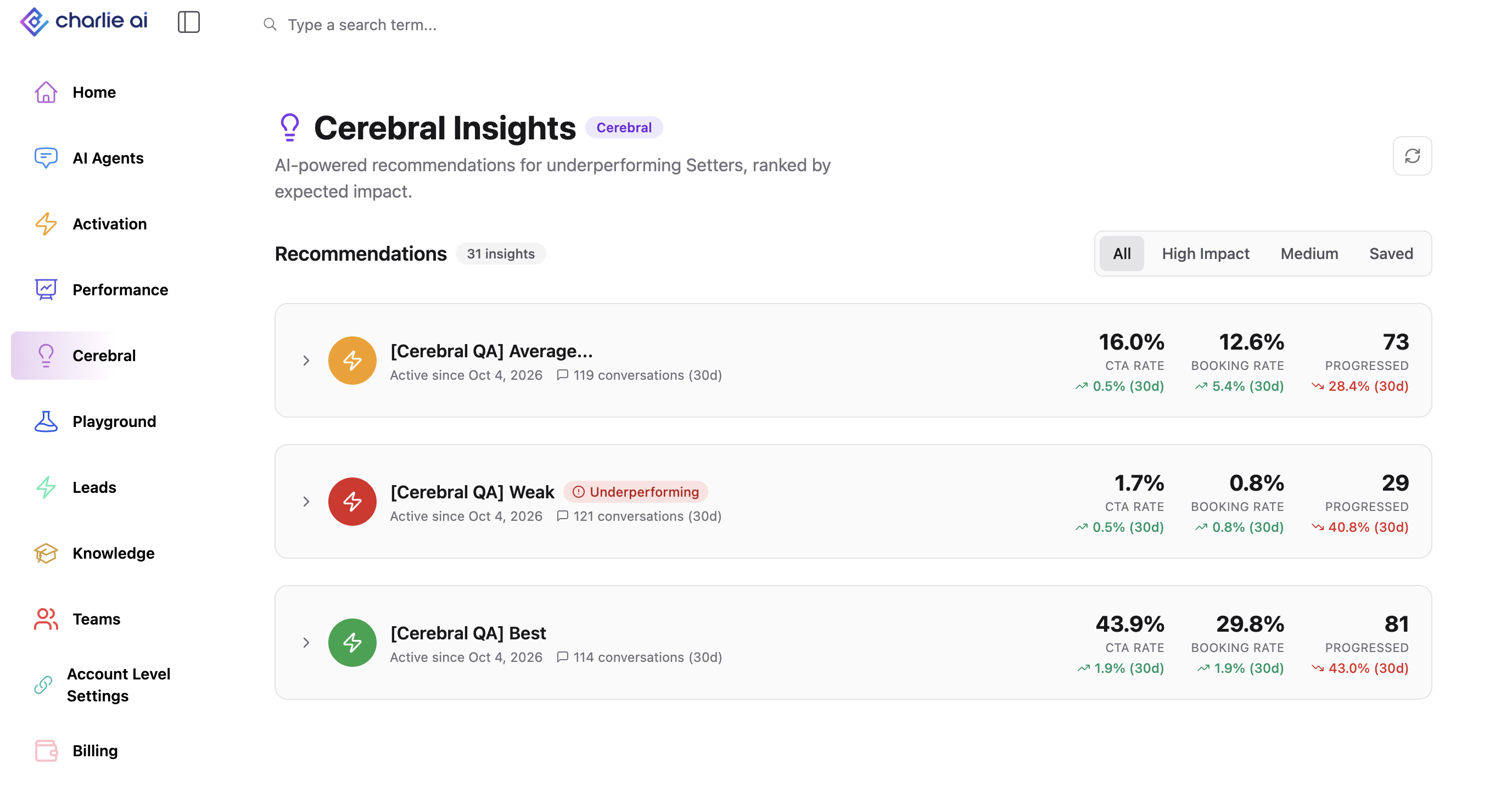
Ranks your Setters. The account-wide Performance Report shows your top 3 and bottom 3 Setters for the selected period. Accounts with fewer than 6 Setters see one ranked list instead. Click any Setter to open its details.
Visual guidance
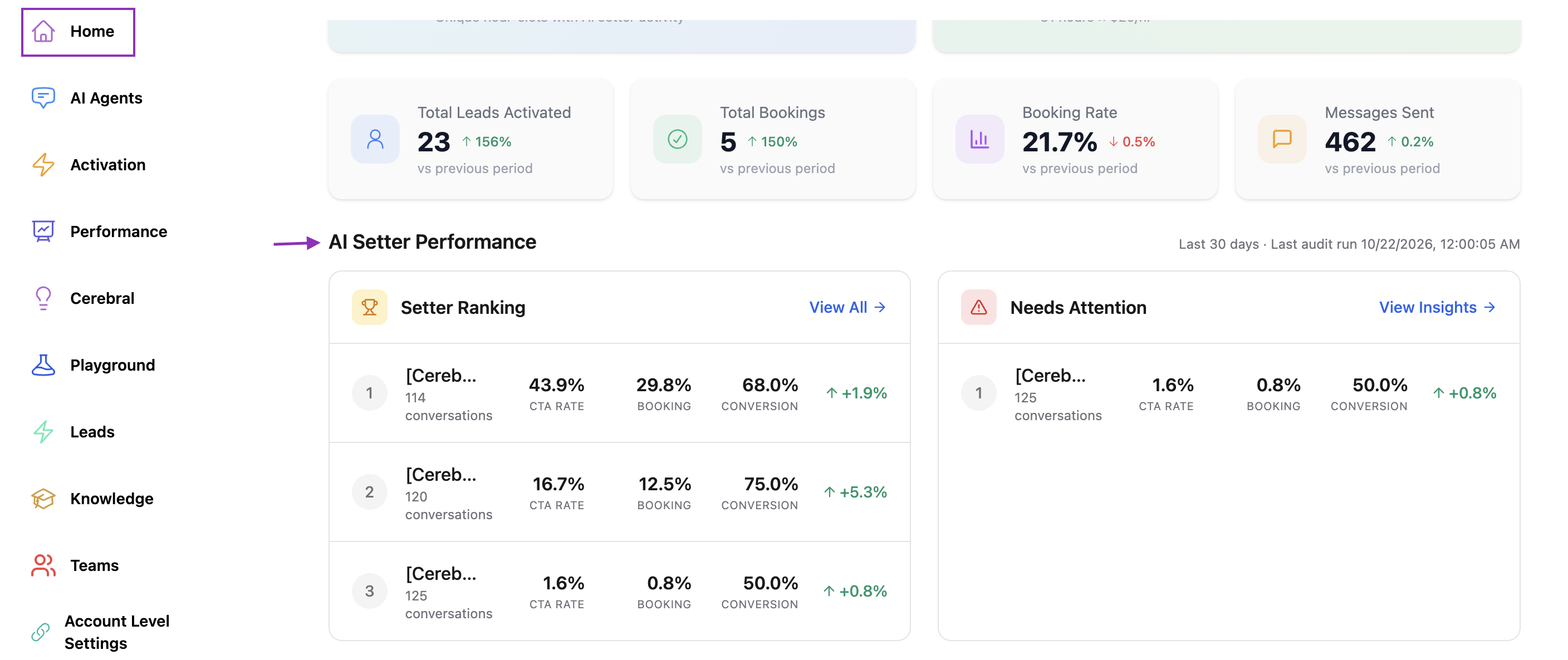
Recommends fixes. Each underperforming Setter gets 1–3 recommendations, ranked by expected impact. Every recommendation names the step, the problem (for example, "qualification step 2: 40% drop-off") and one concrete change. It also shows the proof, such as "this change improved CTA by X% in Setter Y".
Visual guidance
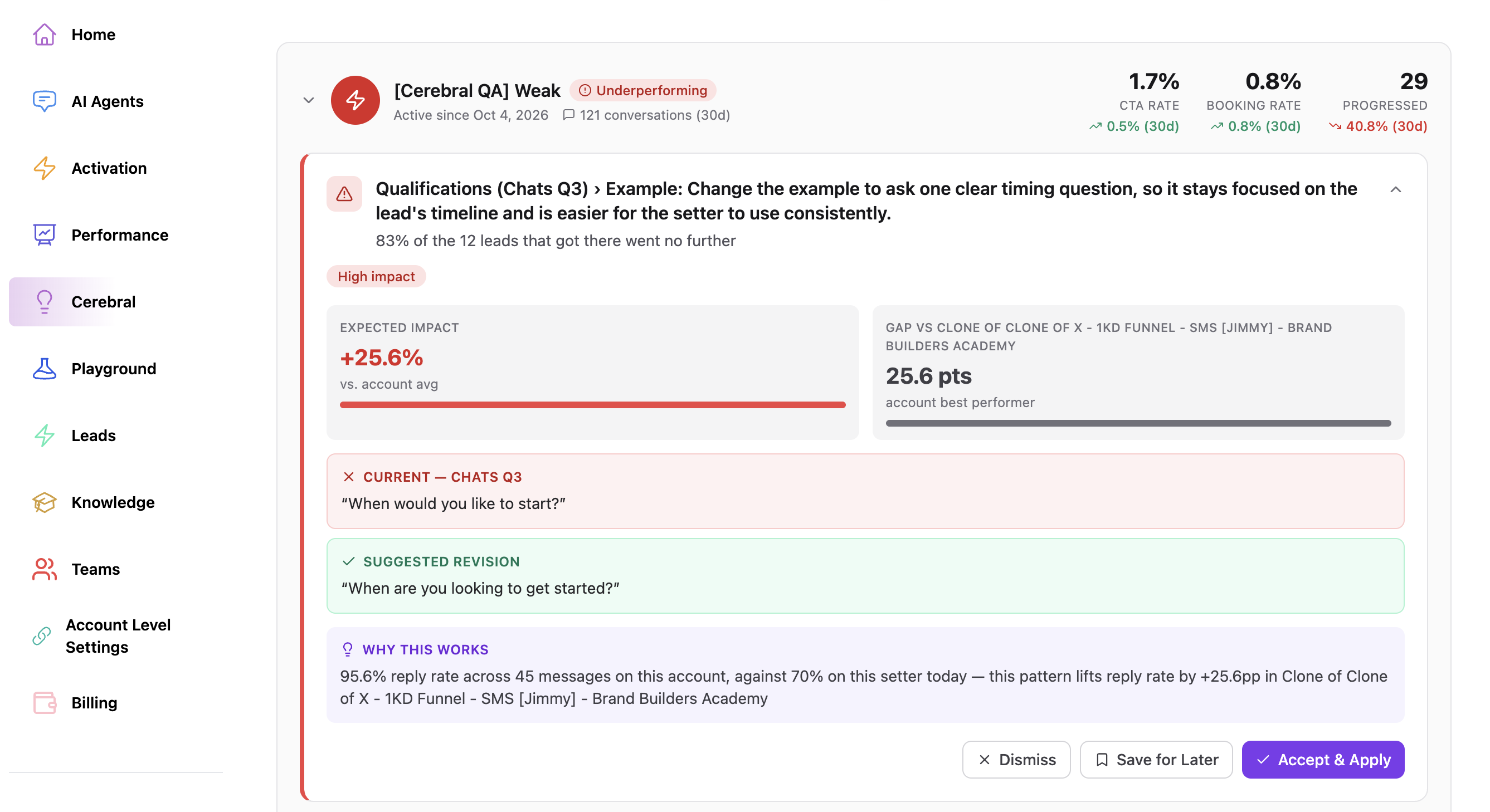
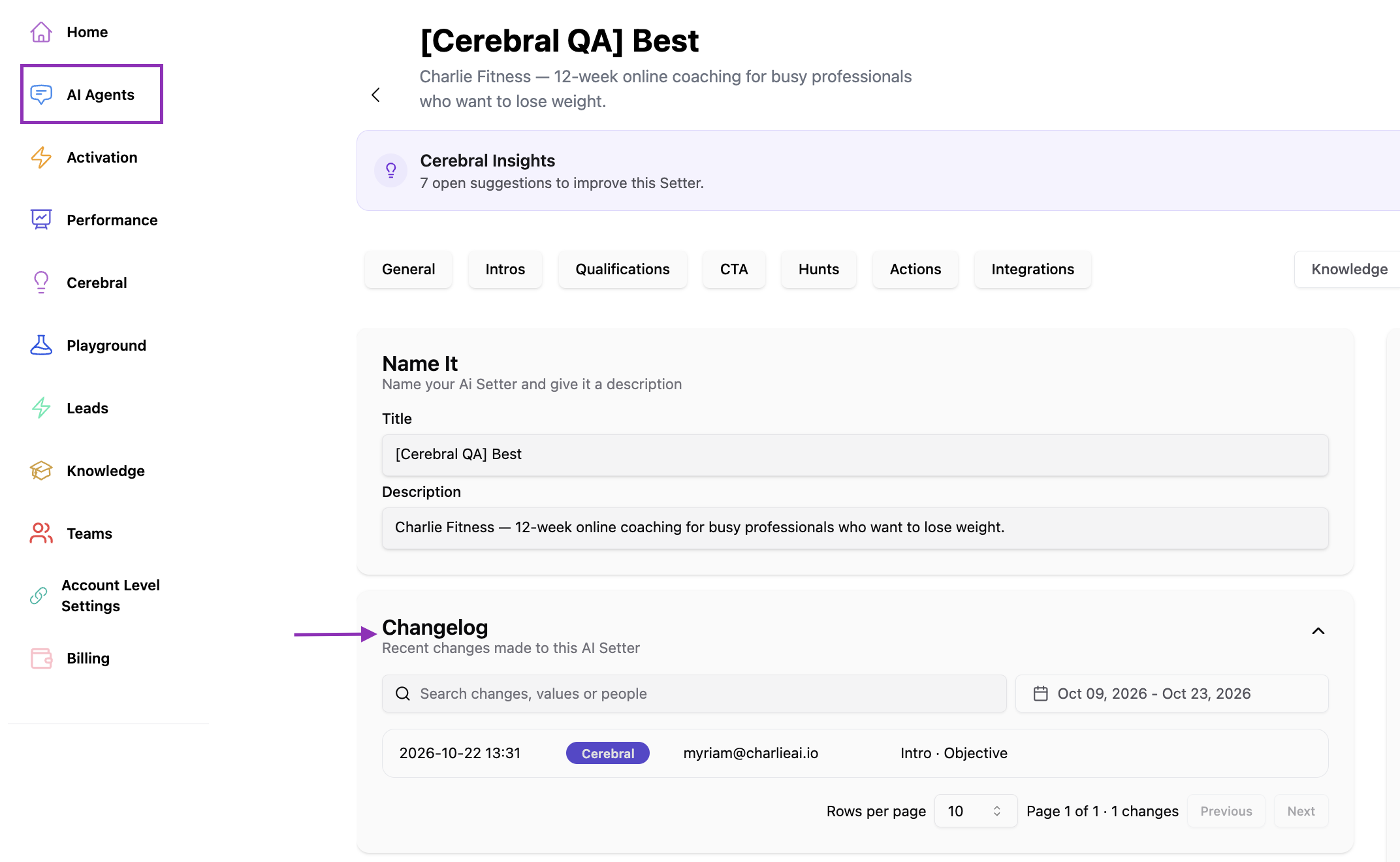
Tracks your changes. Cerebral logs every Setter configuration change and stores it within each setter for better control.
Visual guidance
Finds what works. It spots the best-performing responses in your account at each stage: intro, qualification, CTA and follow-up.
Using Cerebral Insights
You can Accept or Dismiss each recommendation. Accepting a recommendation doesn't change anything automatically, so you stay in control of your setup. Dismissed recommendations won't come back for the same issue. Setters that are already top performers, or that don't have enough conversations yet, show a message explaining why there's nothing to review.
Why it matters: you can see which Setters are underperforming right away, get data-backed fixes for drop-offs, and manage more Setters without testing blindly.