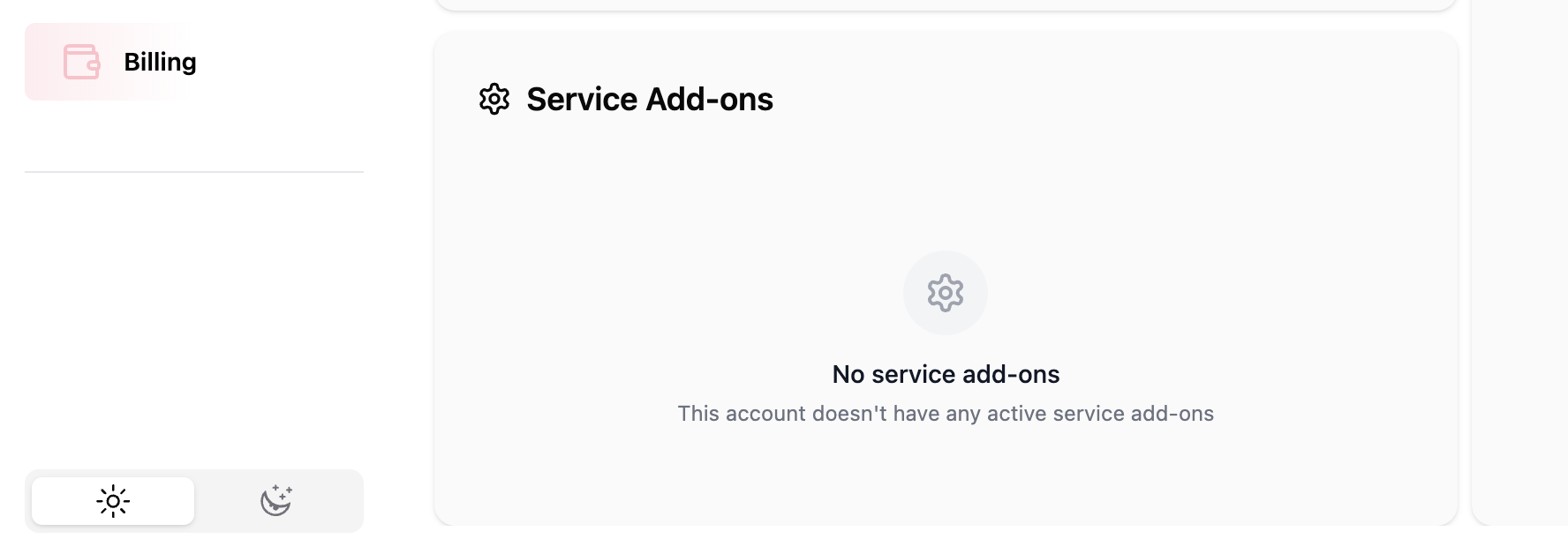
Billing page: Overview
Last updated: February 11, 2026
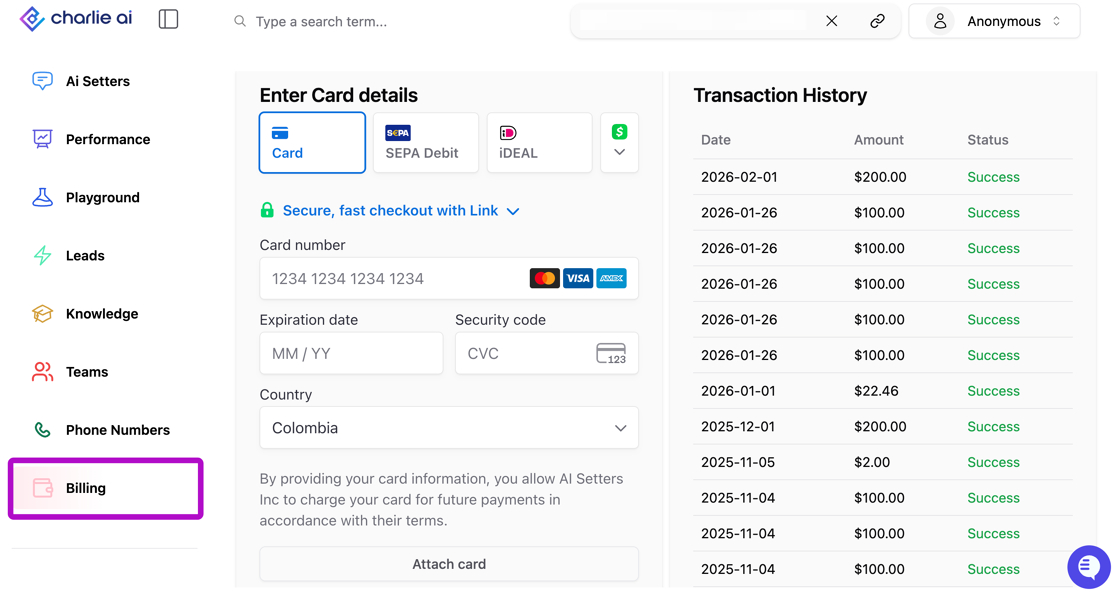
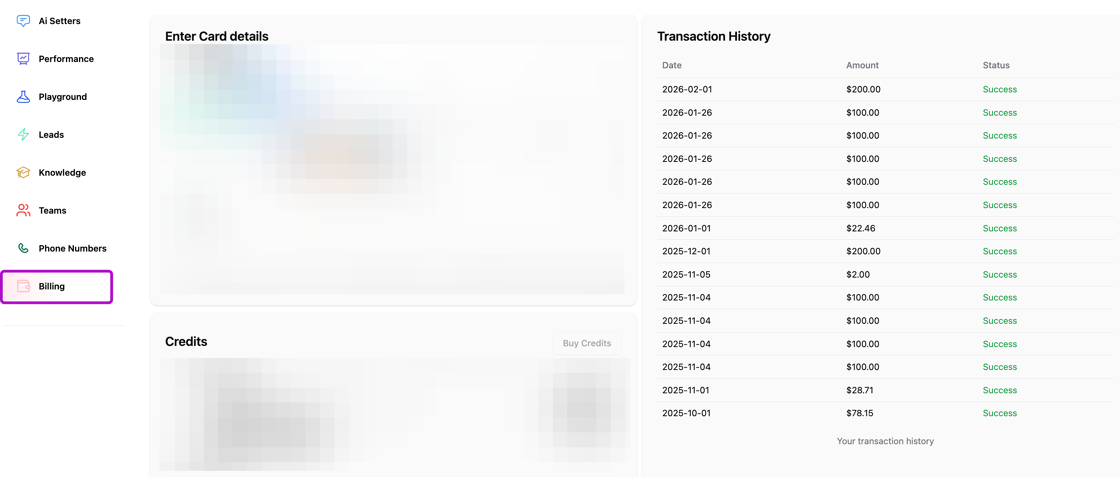
We know it's important to have control of your transaction, the possibility to load credits, change cards and view important information. For that reason we have developed an specific section in the left side menu where all this is centralized.
In this guide we explain all the sections and relevant information for the management of the financial part of the operation.
Card details
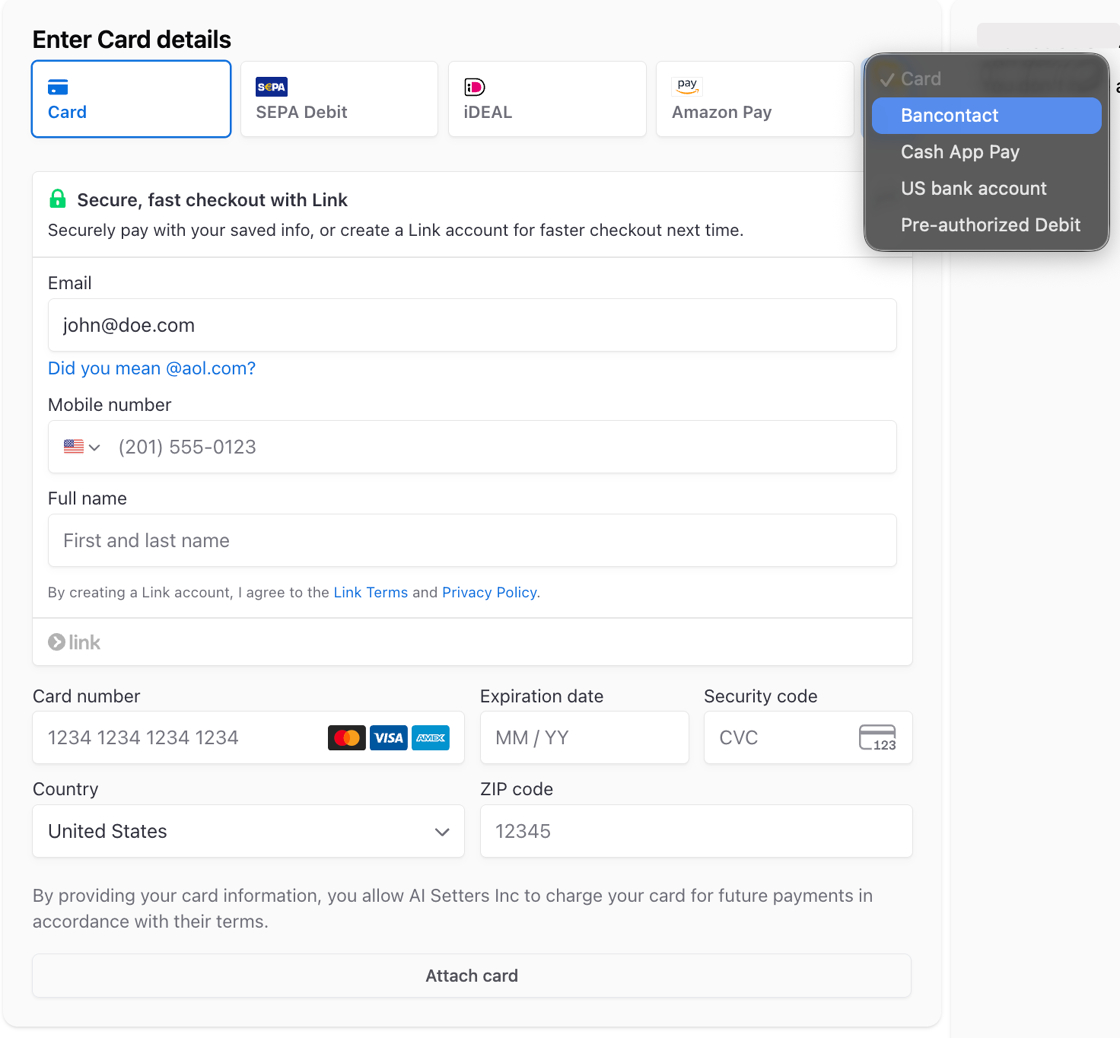
In the very first part of the page you'll find the option to attach a payment method, this will enable to have continuity in the operation.
Card: You can use any type of credit card, you'll need to load the information requested, and it's possible to secure all your transactions with Link.
SEPA Debit & US Bank account: Allows you to generate one-time or recurring payments via IBAN. Offering security and automation.
Ideal: An online payment method, allowing consumers to pay directly from their bank accounts using existing online banking credentials. It is highly secure and enables instant transactions.
Bancontact: A real-time payment method for online transactions, often using linked debit cards or the Payconiq by the app. It allows secure, instant payments via QR codes or card PINs.
Additional methods: Amazon Pay & Cash app Pay
Visual guidance
Credits
Ai generated replies function based on credits, every month you'll see your balance reloaded depending of your subscription plan. And in case you need more of them, in the second section of the page you can manage them. In here, you can see the balance of your account's credits, and it allows you to:
Buy credits: With a single click you can charge them to the credit card you have registered.
Schedule 📄 Auto recharge credits : Your account recharge will be automatically triggered the moment your credit balance drops below a pre-set threshold.
This is the current pricing structure for the credits:
AI-Generated Messages: $0.05 per message
Talk Time: $0.10 to $0.30 per minute (depending in the complexity)
Visual guidance
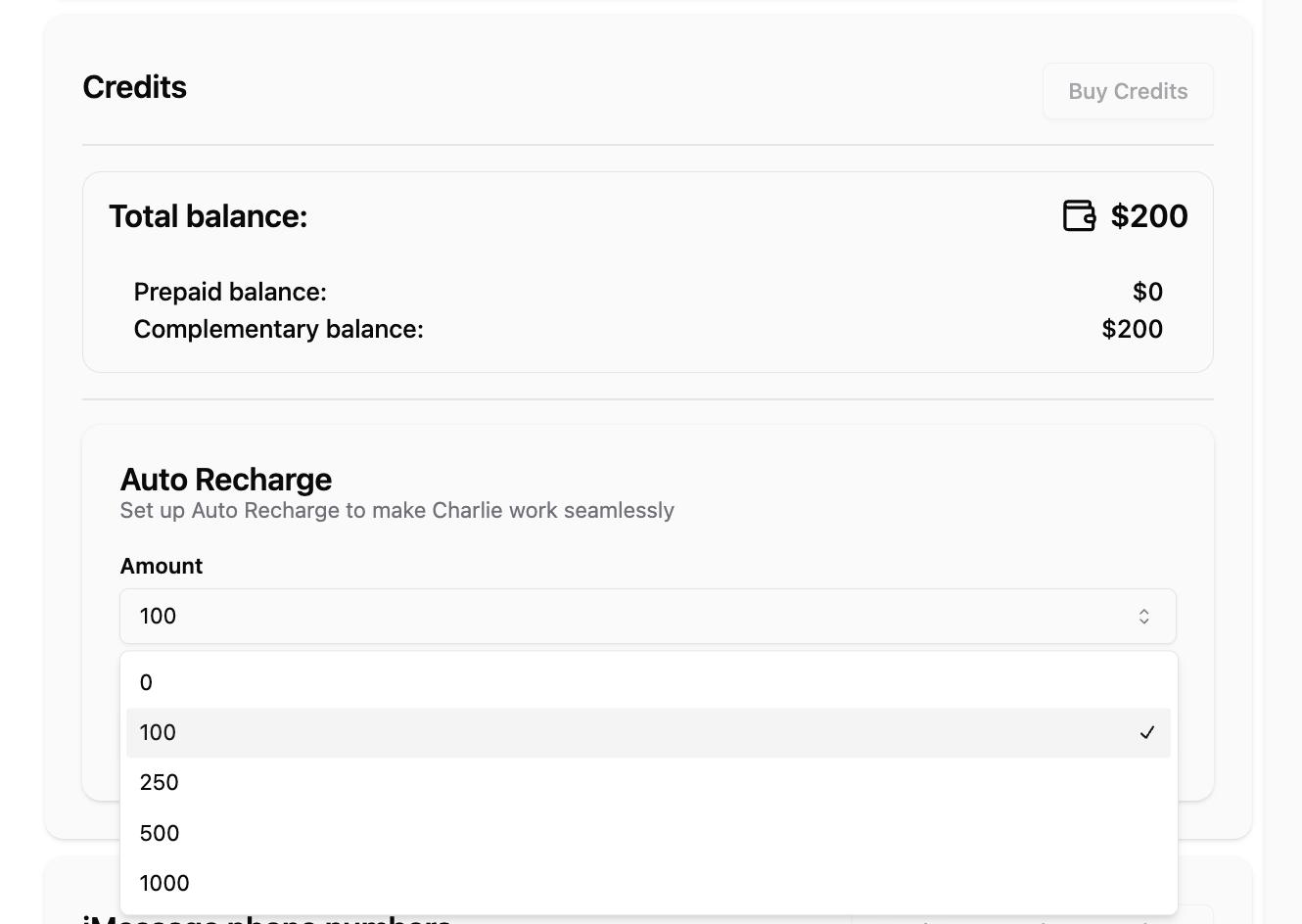
Credits balance resets every month: Complementary credits resets monthly, but prepaid credits doesn't expire.
Transaction history
In the right side of the page, you'll have a detailed list of the transactional history, showing the date it was performed, amount and transaction status.
It loads up to 6 months of transactions.
Visual guidance
iMessage phone numbers
We also included a section where you can buy iMessage phone numbers, this will enable you to keep transactions in a single place.
Visual guidance

Service Add-ons
In the last par of the page you'll find a list of the Add-ons included into your account, here you'll be able to review the transactions, and additional services hired to improve your Charlie's efficiency.
Visual guidance