Lead Processing
Last updated: March 17, 2026
We have developed a series of customizable settings that will help you to streamline the Lead processing into an automated and efficient process. In this guide we provide you the description of each of the settings, the configuration process, it's impact, and the key insights for the process.
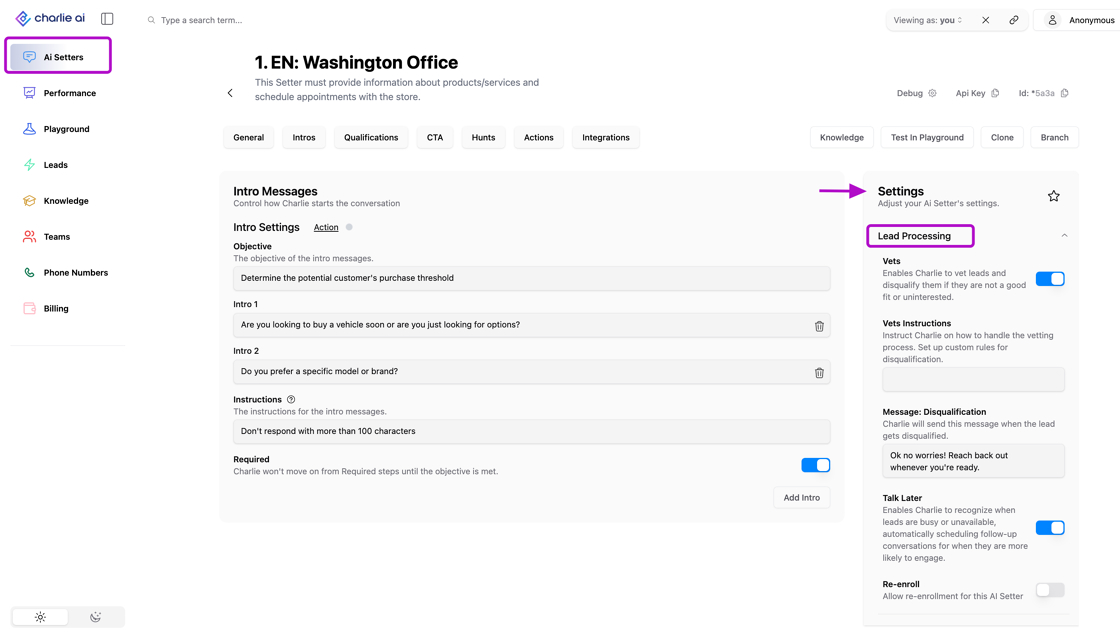
All the settings performed in this section are "Setter-specific"
All settings in this section are Setter-specific, meaning:
Changes apply only to the Setter you're currently configuring
Other Setters remain unaffected by these settings
Each Setter can have unique lead processing logic tailored to its use case
Account-wide standardization requires configuring each Setter individually
Vets
This setting enables Charlie to vet leads and disqualify them if they are not a good fit for the business or they show they are uninterested.
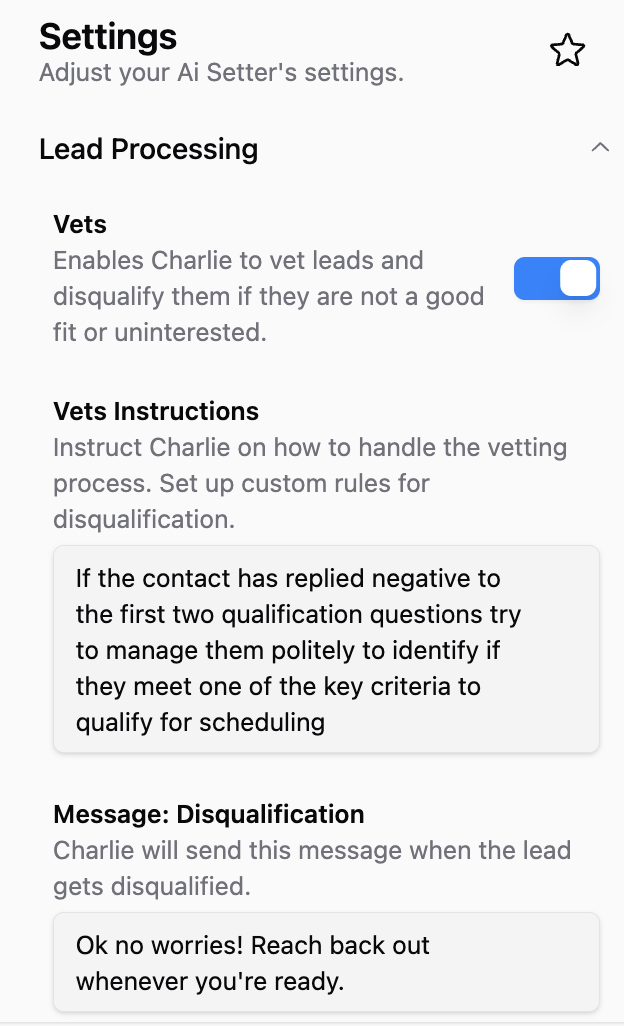
It includes 3 parts for configuration: Activation toggle, Instructions and Disqualification message.
You can turn it on and off with a single toggle and it will follow the instructions that you include in the field below. You can specify how to handle the vetting process, or set up custom rules for disqualification.
It's an open text field, and you can include instructions as detailed as needed.
In the next field you can include a customizable message that will be sent when the lead gets disqualified.
Purpose:
Protect your team's time by filtering out unqualified leads early
Maintain conversation quality by gracefully exiting poor-fit scenarios
Automate qualification logic that would otherwise require manual review
Ensure consistent application of your qualification criteria
Visual guidance
Talk Later
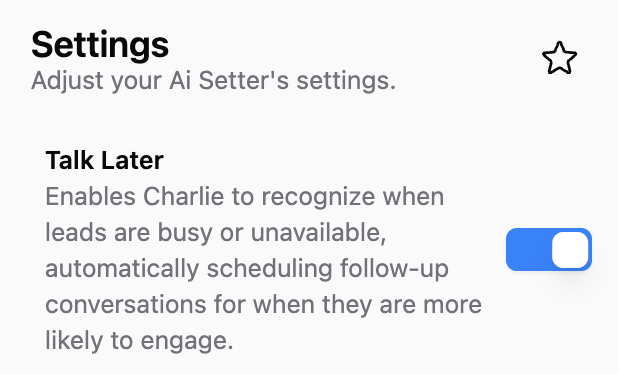
Talk later is a setting that enables Charlie to identify if a lead has intent to keep conversation, but are busy or unavailable. When Charlie identifies that the user can't talk, it will schedule an automatic follow up message for the time they indicate they will have time to resume the conversation.
It can be activated/deactivated with a single toggle.
Purpose:
Respect lead availability and timing preferences
Prevent conversation abandonment due to bad timing
Maintain engagement momentum with automatic follow-up
Reduce no-response rates from timing mismatches
Visual guidance
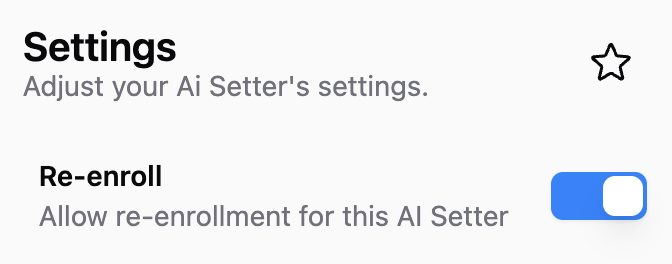
Re-enroll
Re-Enroll allows leads to be enrolled again with this specific AI Setter after their previous conversation concluded.
Purpose:
Enable re-engagement campaigns with leads who previously interacted
Allow multiple touchpoints over time without manual conversation resets
Support nurture campaigns that contact leads at intervals
Accommodate leads who return with renewed interest
Default Behavior Without Re-Enroll: By default, once a lead has a conversation with a Setter, they typically cannot be enrolled again automatically—this prevents duplicate or repetitive outreach.
With Re-Enroll Enabled: Leads can re-enter conversations with the same Setter, enabling ongoing engagement strategies.
Visual guidance
Disqualification Message
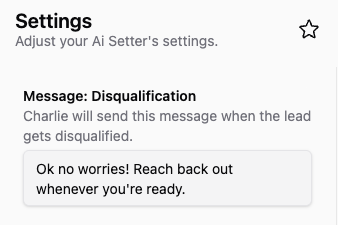
This setting allows you to tailor the message the AI setter sends to prospects who do not qualify for auto-books or meeting schedule criteria.
Purpose
Leave a communication channel open with disqualified prospects for potential future engagement.
Customize the message content to ensure it is consistent with your brand's voice and guidelines.
Share helpful links or free resources to keep the audience engaged, even if they don't meet the qualification criteria.
Visual guidance