Phone number configuration
Last updated: March 12, 2026
The "Phone Number" section in your left-side menu serves as a hub for managing your company's phone lines. Here you can import numbers, manage configurations, and assign Setters to specific lines. This guide explains the relevance of phone number configuration, available integration options, components, and key insights for efficient operation.
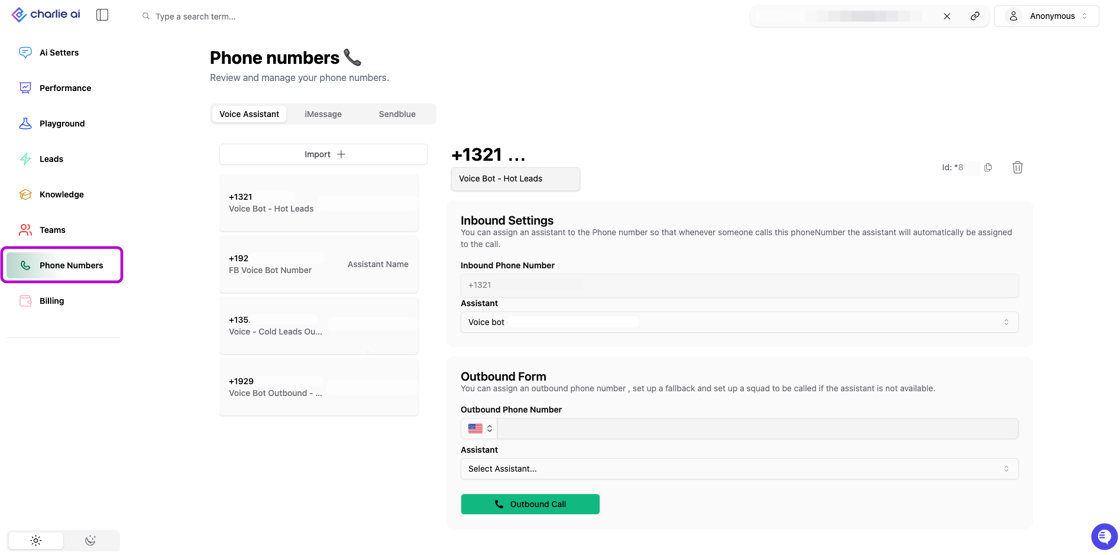
The Phone Numbers tab initially displays a list of phone numbers available for the Voice Assistant use. The iMessage tab will only become visible if iMessage numbers have been configured.
Relevance
Phone number configuration is one of the most critical settings you'll configure in Charlie. It directly enables or disables all voice-related functionality across your entire account.
This step is a prerequisite to use Voice setters and Voice hunts, as we need it to trigger them.
If phone number configuration is incomplete or skipped, no voice function will be triggered, they remain inactive regardless of other settings.
Available options
Charlie currently supports three phone number provider integrations. You can integrate all supported providers that your operation requires.
📄 Phone number: Sendblue -> messaging and telecommunications platform providing SMS, MMS, and voice capabilities through dedicated phone number
📄 Phone number: Linqblue ->an iMessage automation tool designed to send messages directly from CRM platforms It aims to boost response rates by bypassing traditional SMS, allowing for high-fidelity communication
Phone number: Twilio -> leading cloud communications platform offering phone numbers, voice, SMS, and advanced features. Configuration should be performed in Twilio.
Benefits of using multiple providers:
Backup if one provider experiences downtime
Optimize costs by provider strengths
Geographic coverage optimization
Components
When you access the Phone Number section, you'll see a structured interface designed for easy management across multiple provider
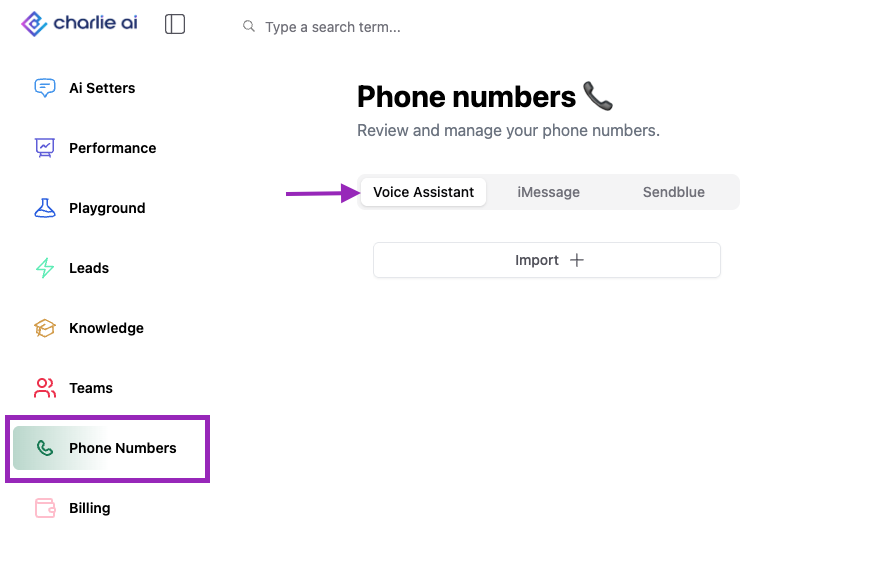
Provider Toggle Menu:
At the top of the screen of the section you'll see a toggle menu to switch between phone number providers to view and manage the lines from each.
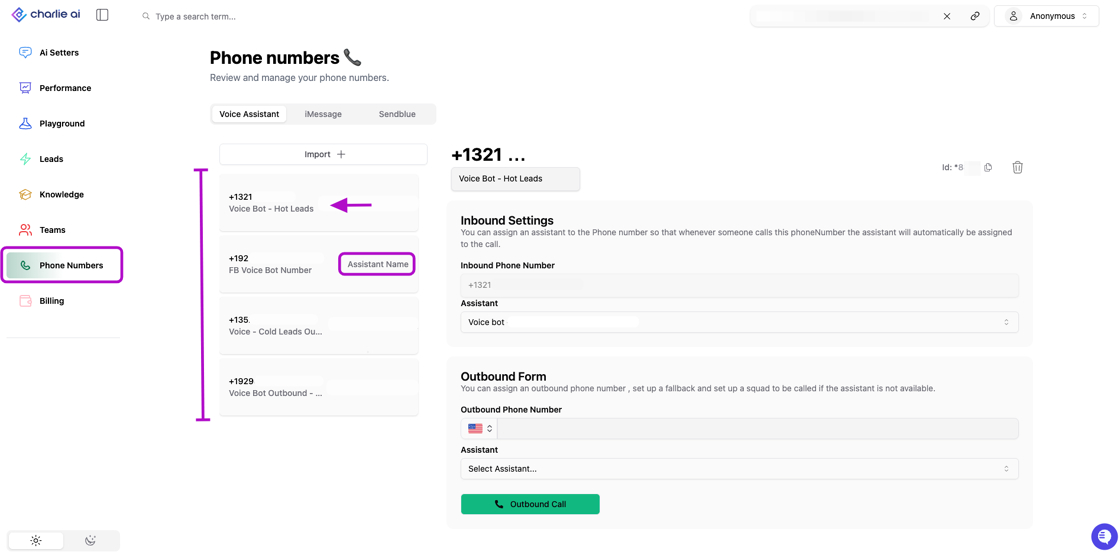
Number List View
Once numbers are imported from a provider, the list will display with Key Information: phone number itself, status (Active/Inactive) and Which Voice Setter (if any) is assigned to the number.
Import/Integration Options
Within each tab you'll find a "import" or "integrate" option that will enable you to include the numbers.
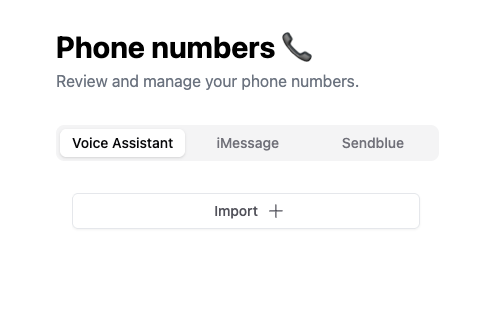
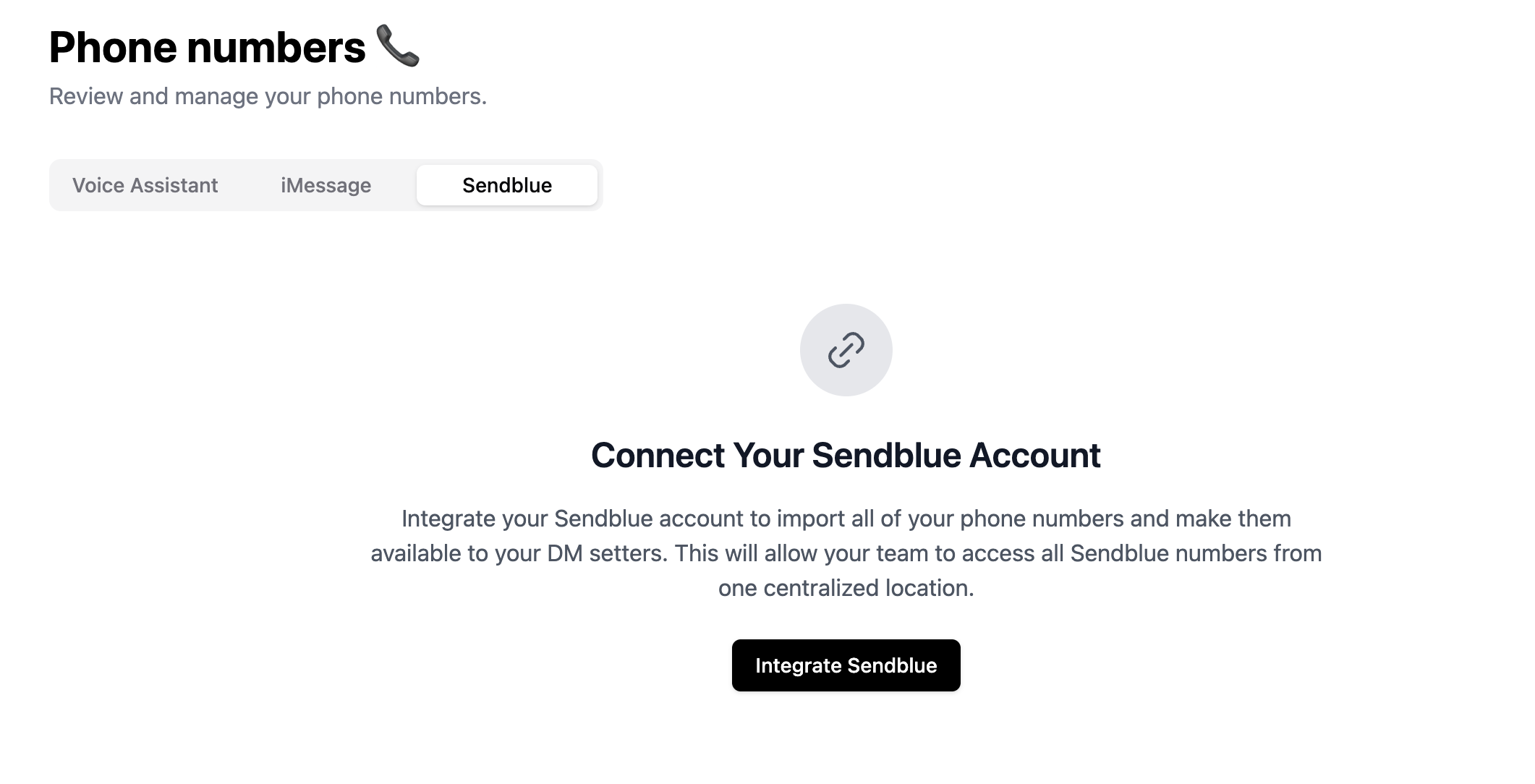
You need to import or integrate them to see the complete list of numbers from you Charlie dashboard.
Key insights
Without completing this step, every other voice feature (Voice Setters, Voice Hunts, inbound routing) simply will not work.
Managing phone numbers across multiple providers, Setters, and use cases creates complexity that scales exponentially. The Phone Number section centralized view transforms this potential chaos into an organized hub.
For supported providers (Sendblue, Twilio), API integration will provide automatic sync to import new numbers, and reflect current provider status.